The Process Editor
Written By Janos Veres
Last updated 6 months ago
The Process Editor
The process editor is where you build and refine your workflows. It provides a visual canvas for designing step flows, configuring actions, and managing process structure.
Editor Overview
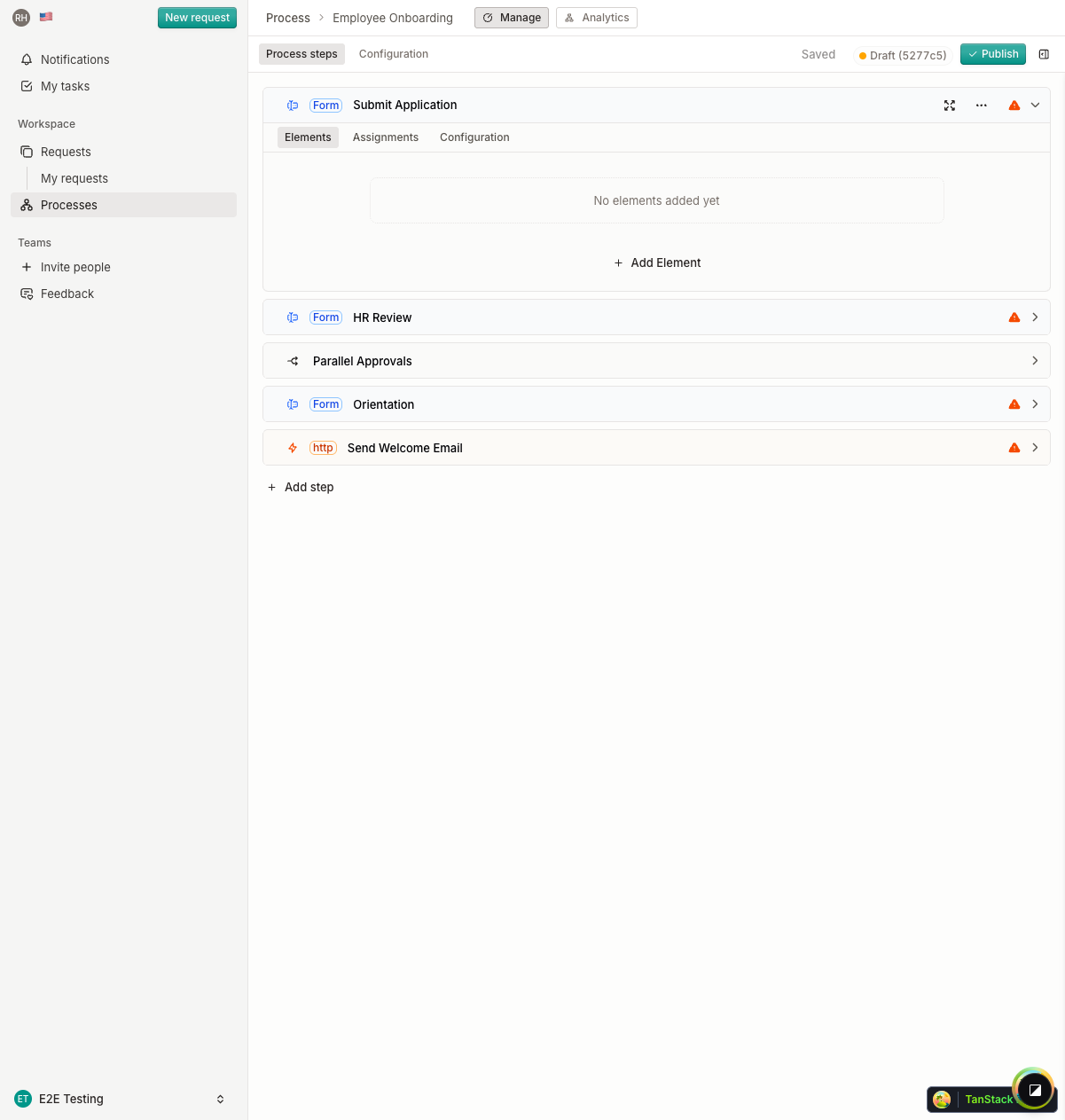
The editor consists of:
- Flow canvas — Visual diagram showing all steps, actions, and their connections
- Toolbar — Save status, version history, publish, and sidebar toggle
- Tabs — Switch between Process Steps, Configuration, and Request Headers
Adding Elements
Click Add step to insert new elements into your process.
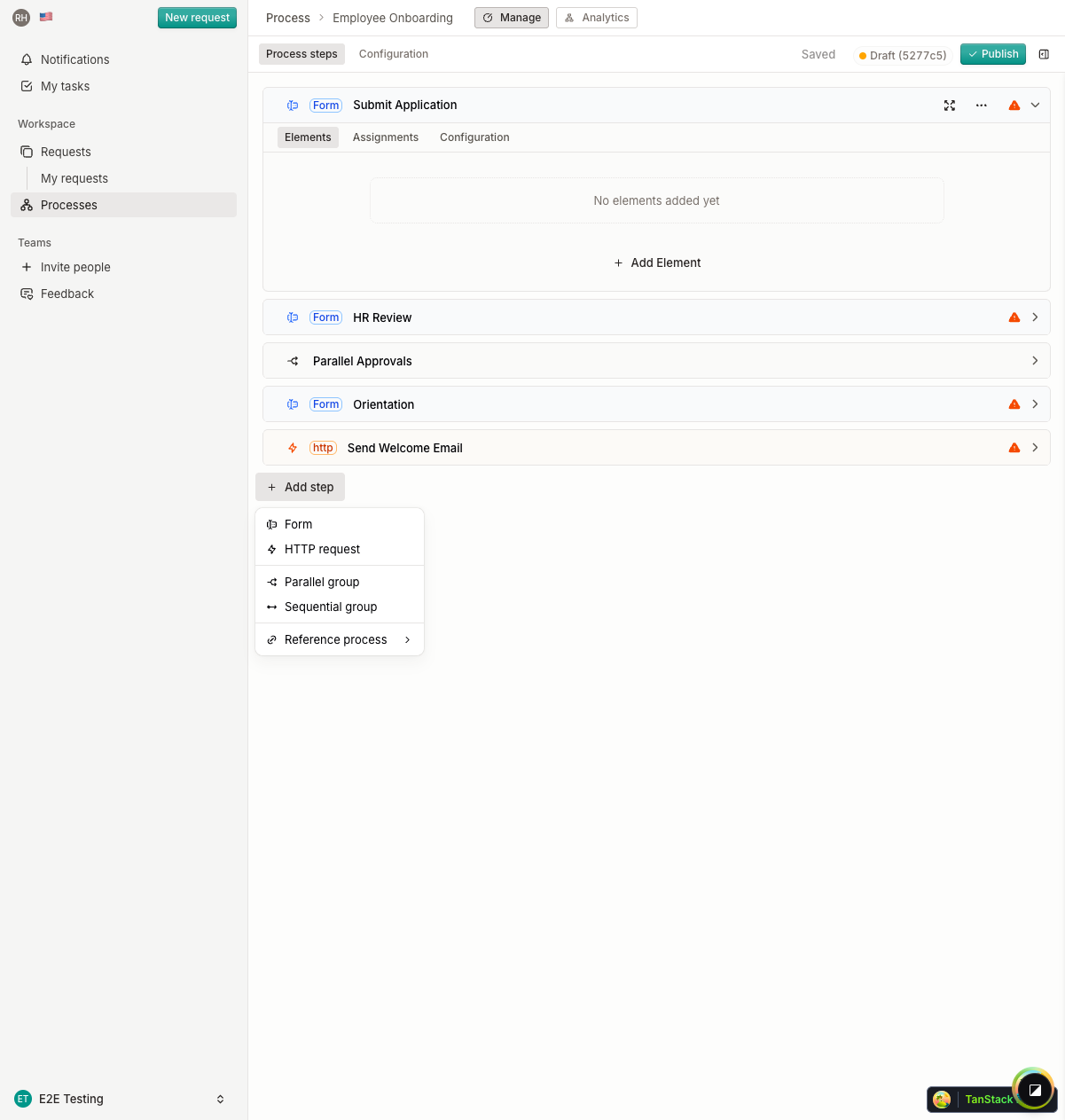
Available element types:
Step Nodes
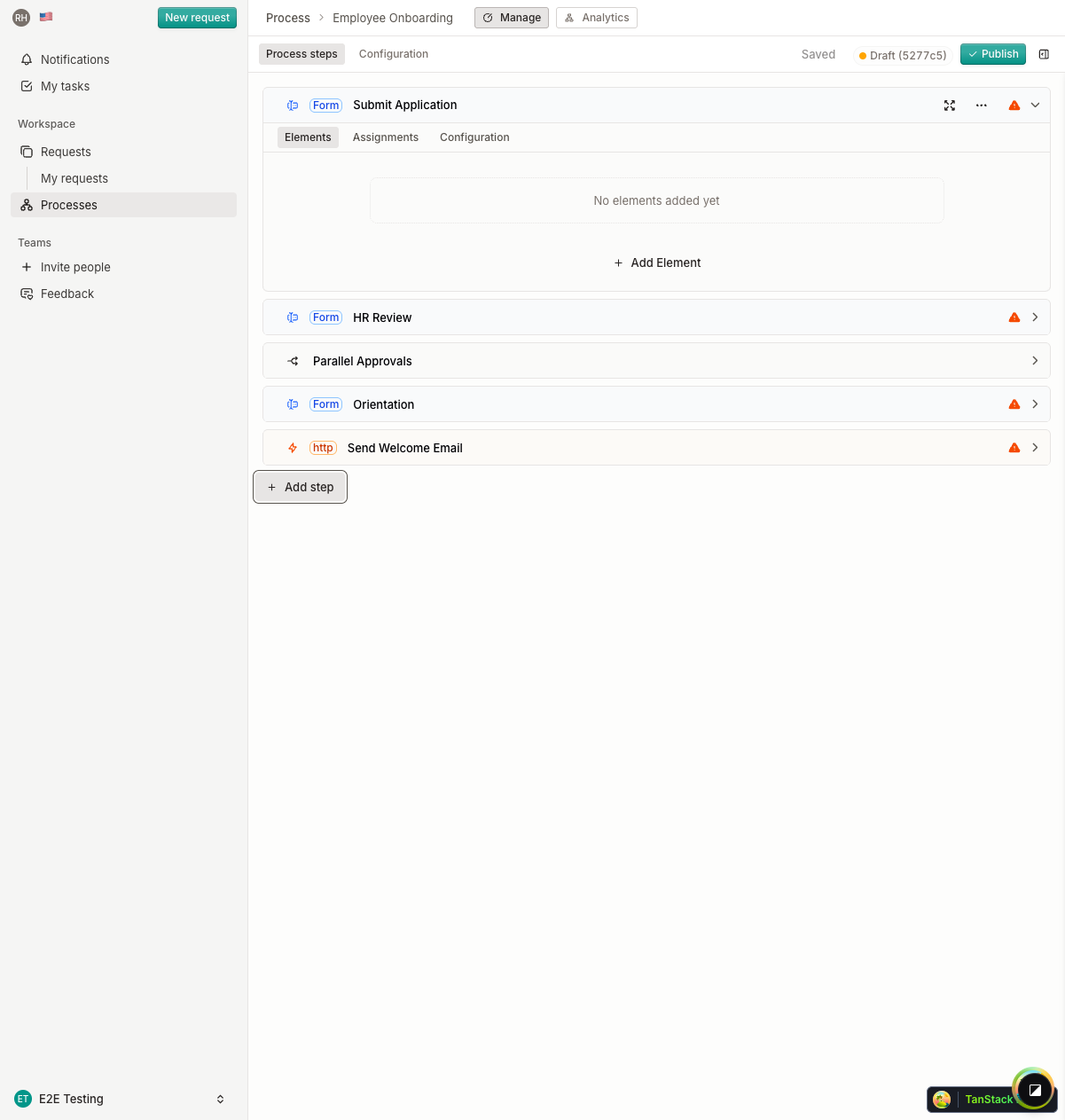
Each step appears as a node in the flow diagram. Nodes show the step name and can be clicked to open their configuration in the sidebar.
Action Nodes
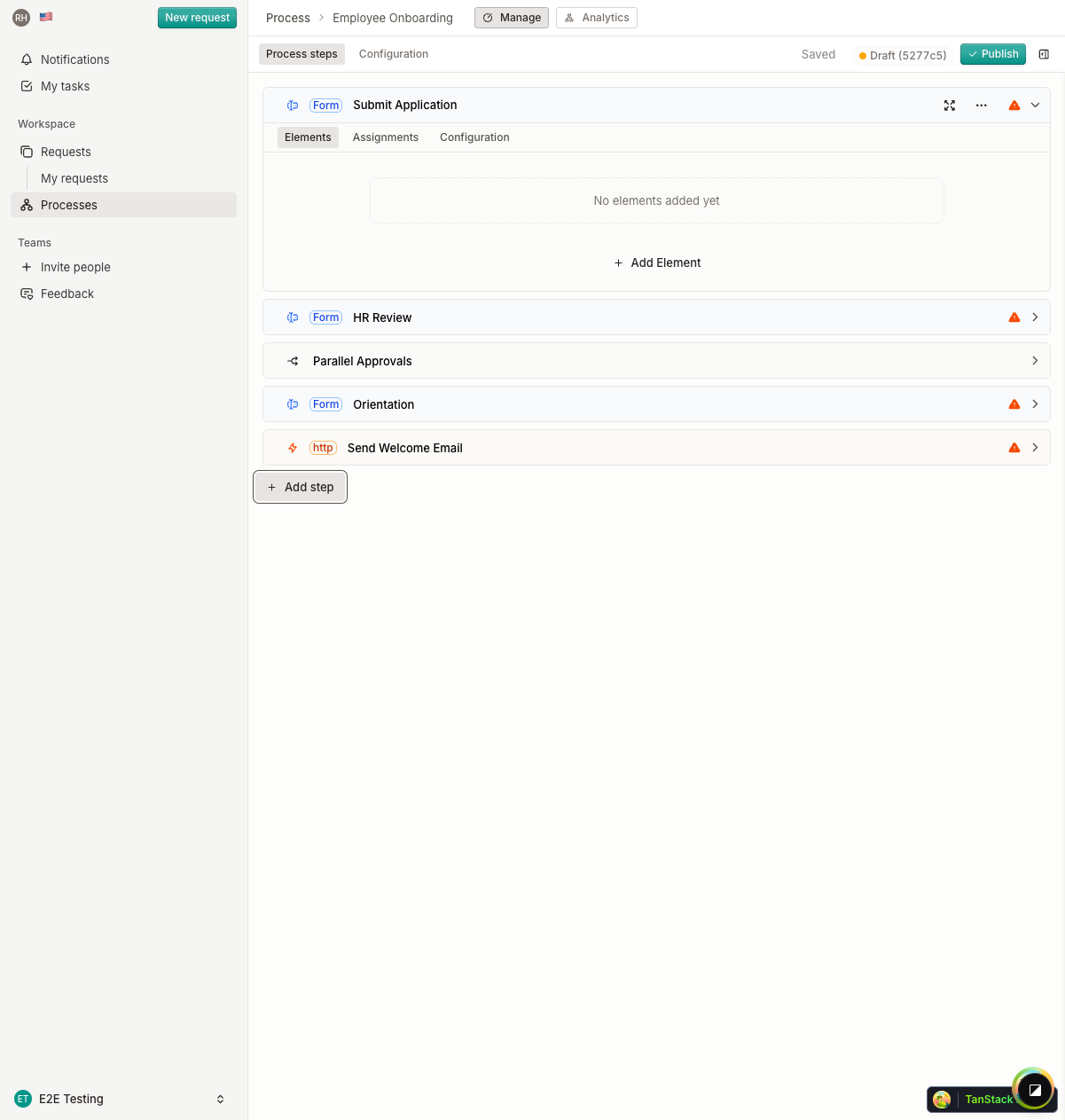
Action nodes represent automated operations (HTTP calls or background jobs) that execute between user steps.
What's Next?
Continue to Configuring Steps to learn about step settings and assignee rules.