Process Versioning & Publishing
Written By Janos Veres
Last updated 6 months ago
Process Versioning & Publishing
Lumen uses a git-like versioning system for processes. Changes are tracked as commits, and published releases are tagged with semantic versions.
Publishing a Release
When your process is ready for use, click the Publish button in the toolbar.
Publishing creates an immutable release snapshot. Users will see the published version when creating new requests. The version number increments automatically (e.g., 0.0.0 → 1.0.0).
Version History
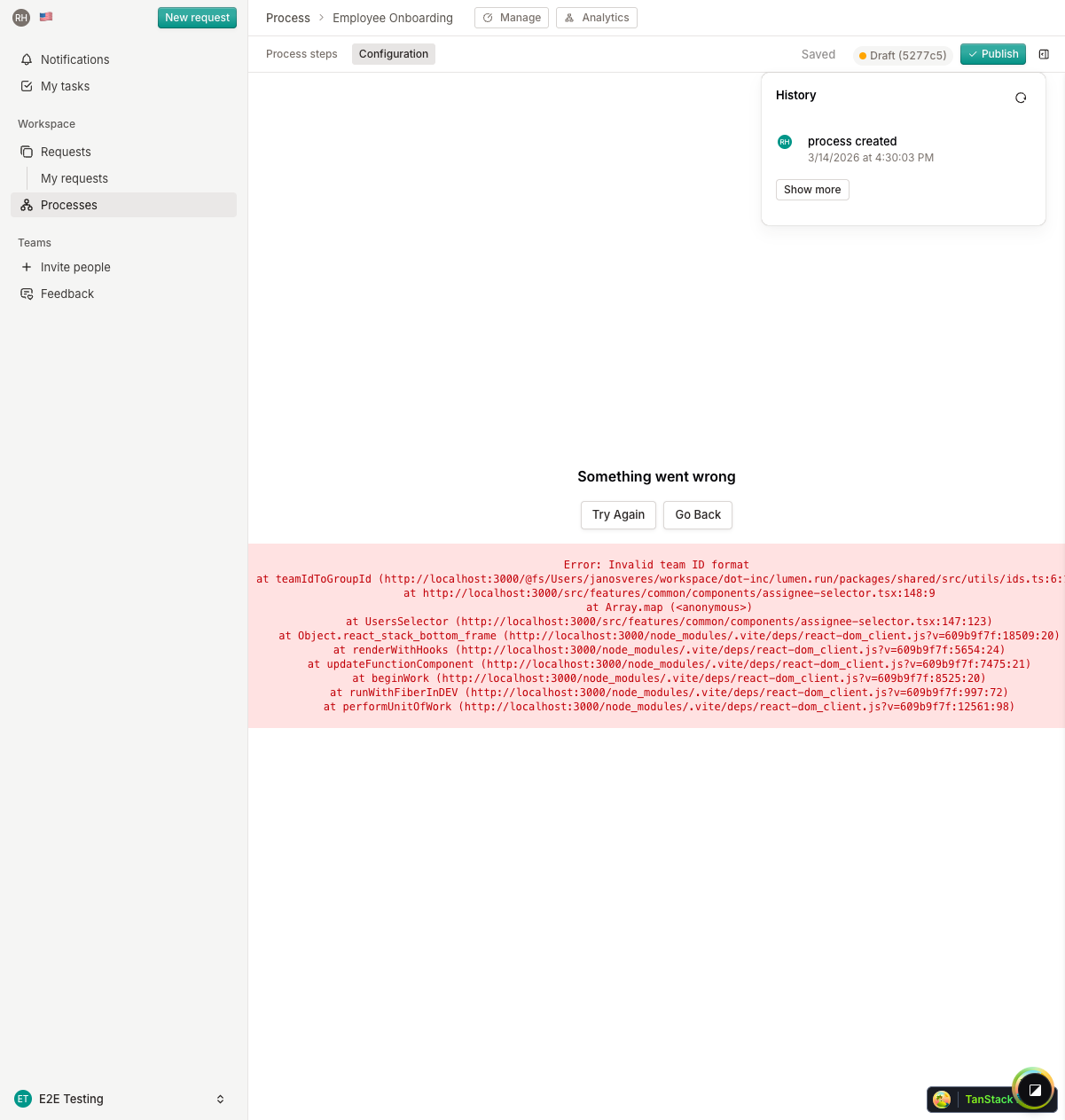
The version history shows all commits made to the process, including:
- Commit hash — Unique identifier for each change
- Author — Who made the change
- Timestamp — When the change was made
- Changes — What was modified
You can browse the history to see how the process evolved over time.
Reverting Changes
If you need to undo recent changes, use the Revert button to roll back to a previous version. This creates a new commit that restores the process to its previous state.
Note: Reverting cannot be undone. Make sure you want to discard your changes before confirming.
How Versioning Works
What's Next?
Continue to Process Configuration to learn about process-level settings.