Account Settings
Written By Janos Veres
Last updated 6 months ago
Account Settings
Manage your personal profile and security settings in Lumen.
Profile Settings
Navigate to Settings > Profile to edit your personal information.
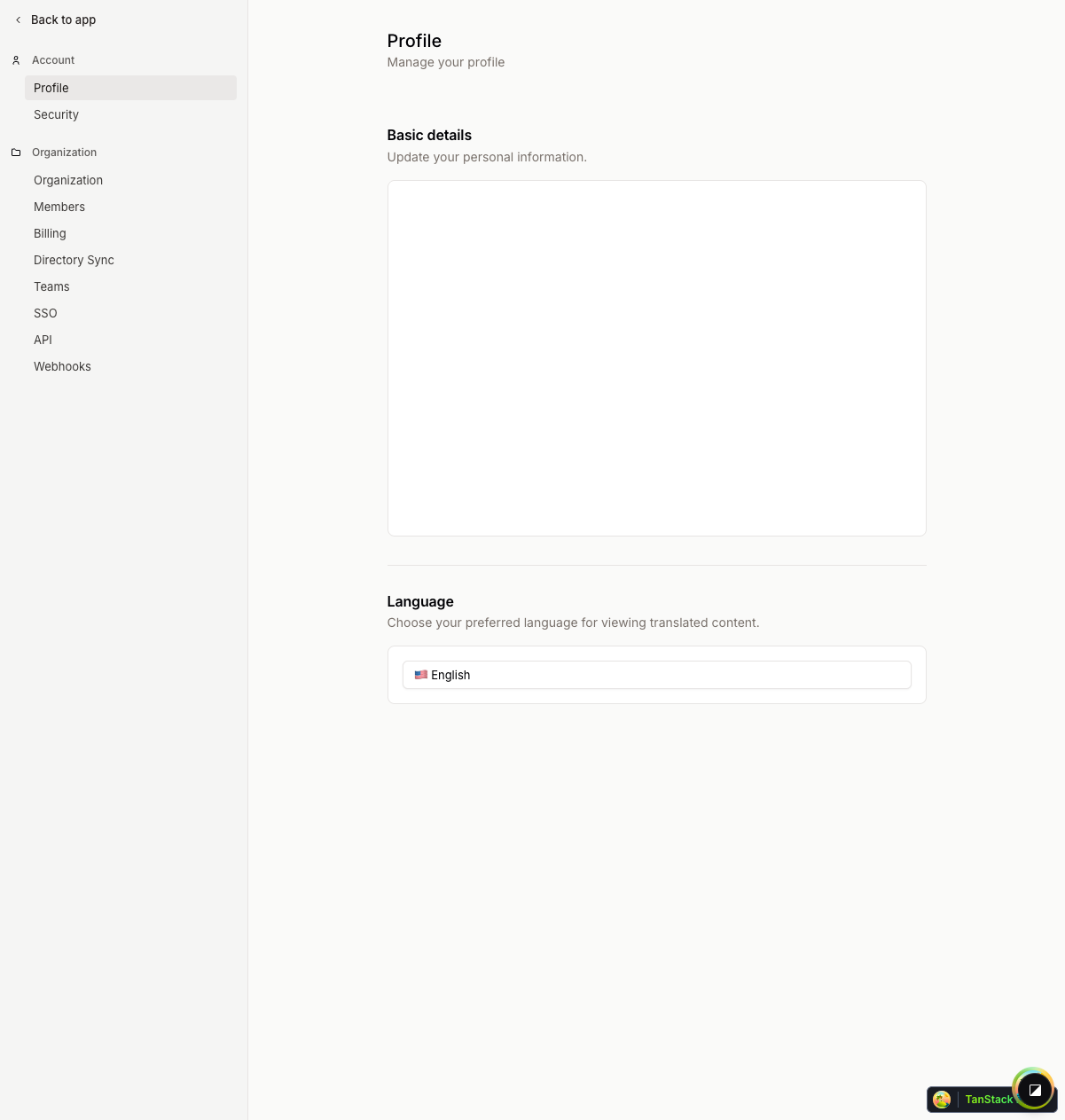
On this page you can:
- Update your name — Change your display name
- Update your email — Change your login email address
- Upload an avatar — Set a profile picture (or use Gravatar)
Security Settings
Navigate to Settings > Security to manage your authentication and security.
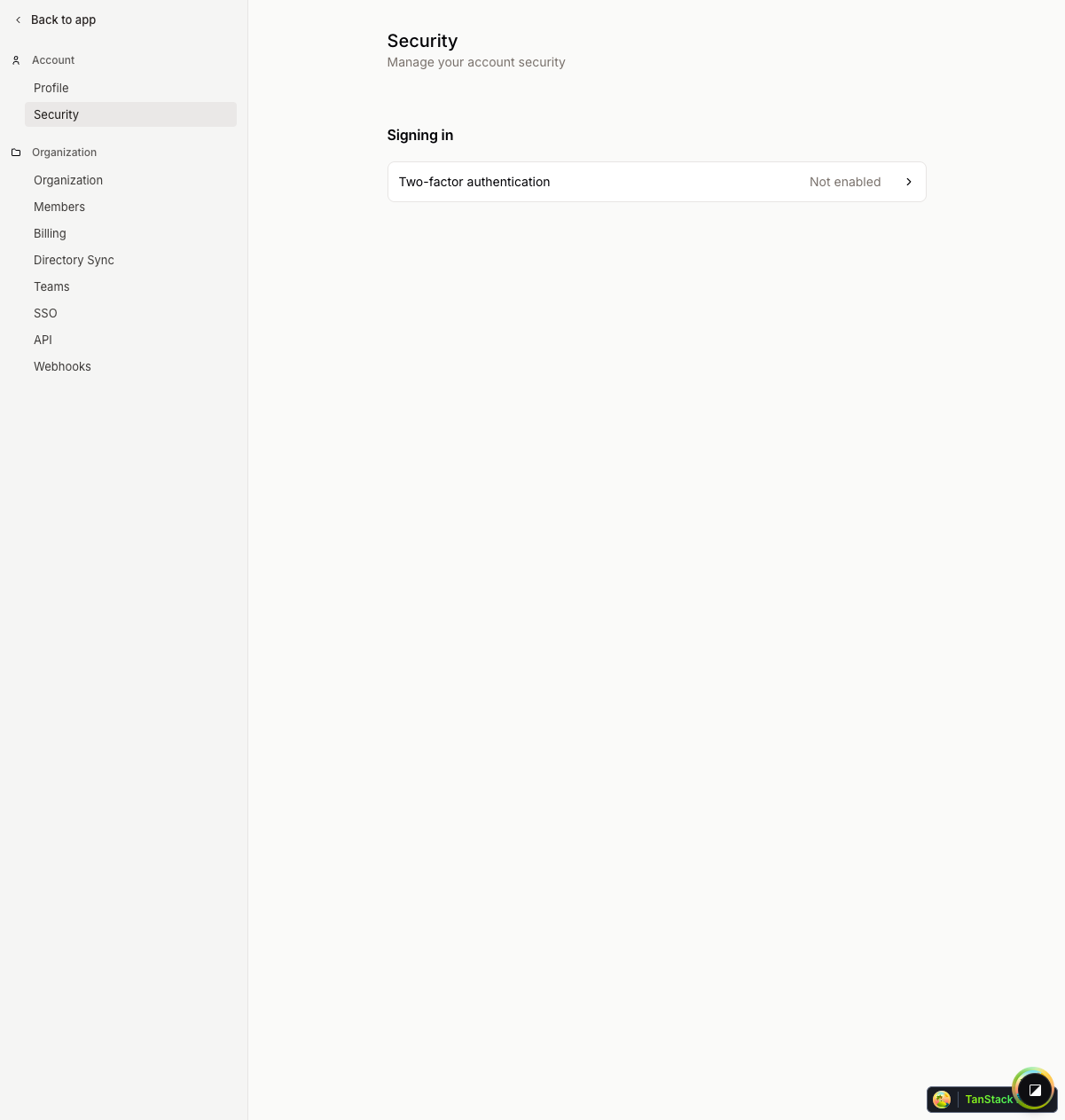
Available security options:
Passkeys
Passkeys provide a passwordless sign-in experience using your device's biometric capabilities. Once configured, you can sign in with a fingerprint or face scan instead of typing a password.
Two-Factor Authentication (2FA)
Enable 2FA to require a verification code from an authenticator app (Google Authenticator, Authy, etc.) in addition to your password when signing in.