Notifications
Written By Janos Veres
Last updated 6 months ago
Notifications
Lumen keeps you informed about tasks, requests, and updates through its notification system.
Notification Bell
The notification bell icon in the sidebar shows your unread notification count.
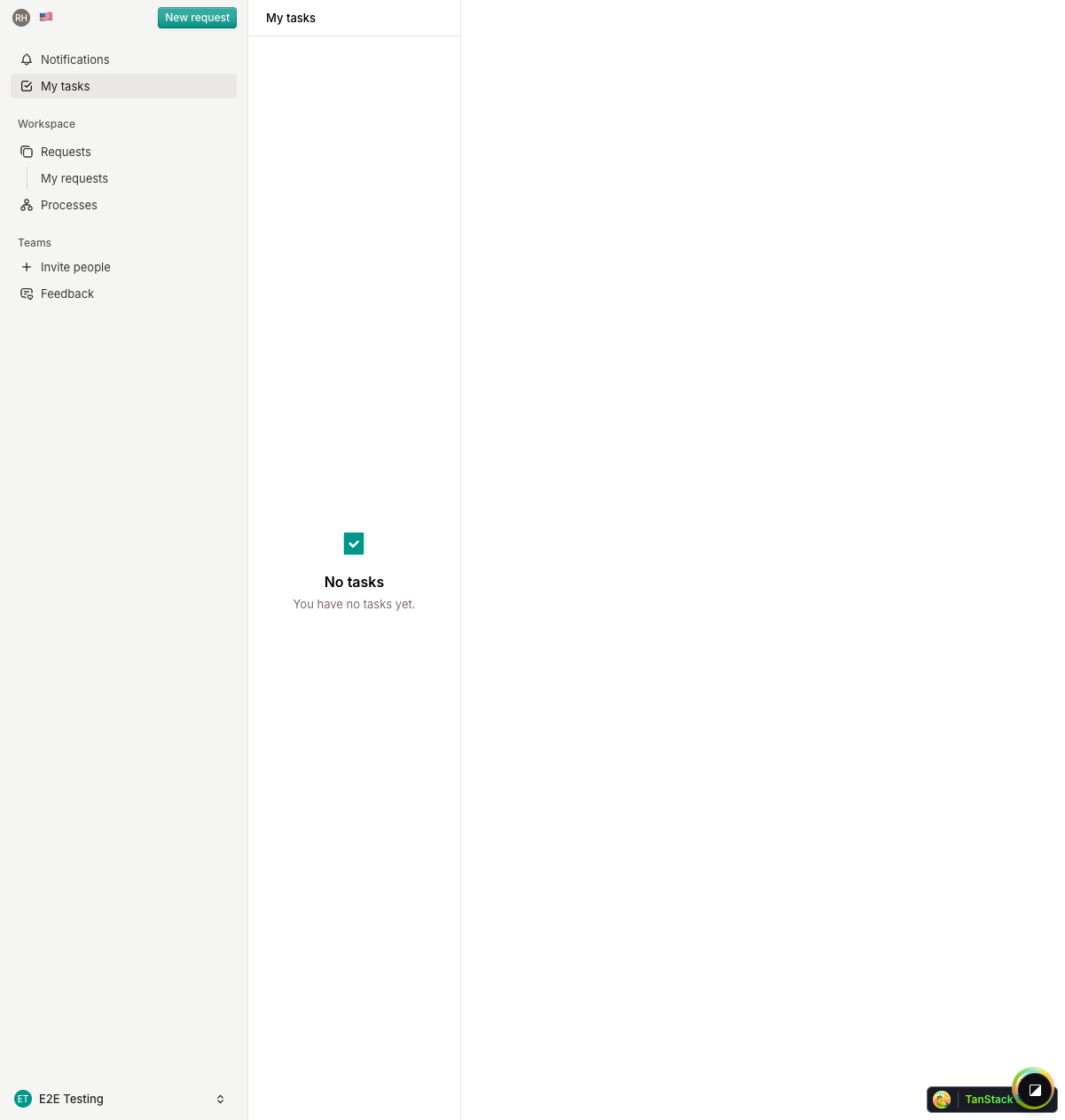
A badge appears on the bell when you have unread notifications. Click the bell to open the notification inbox.
Notification Inbox
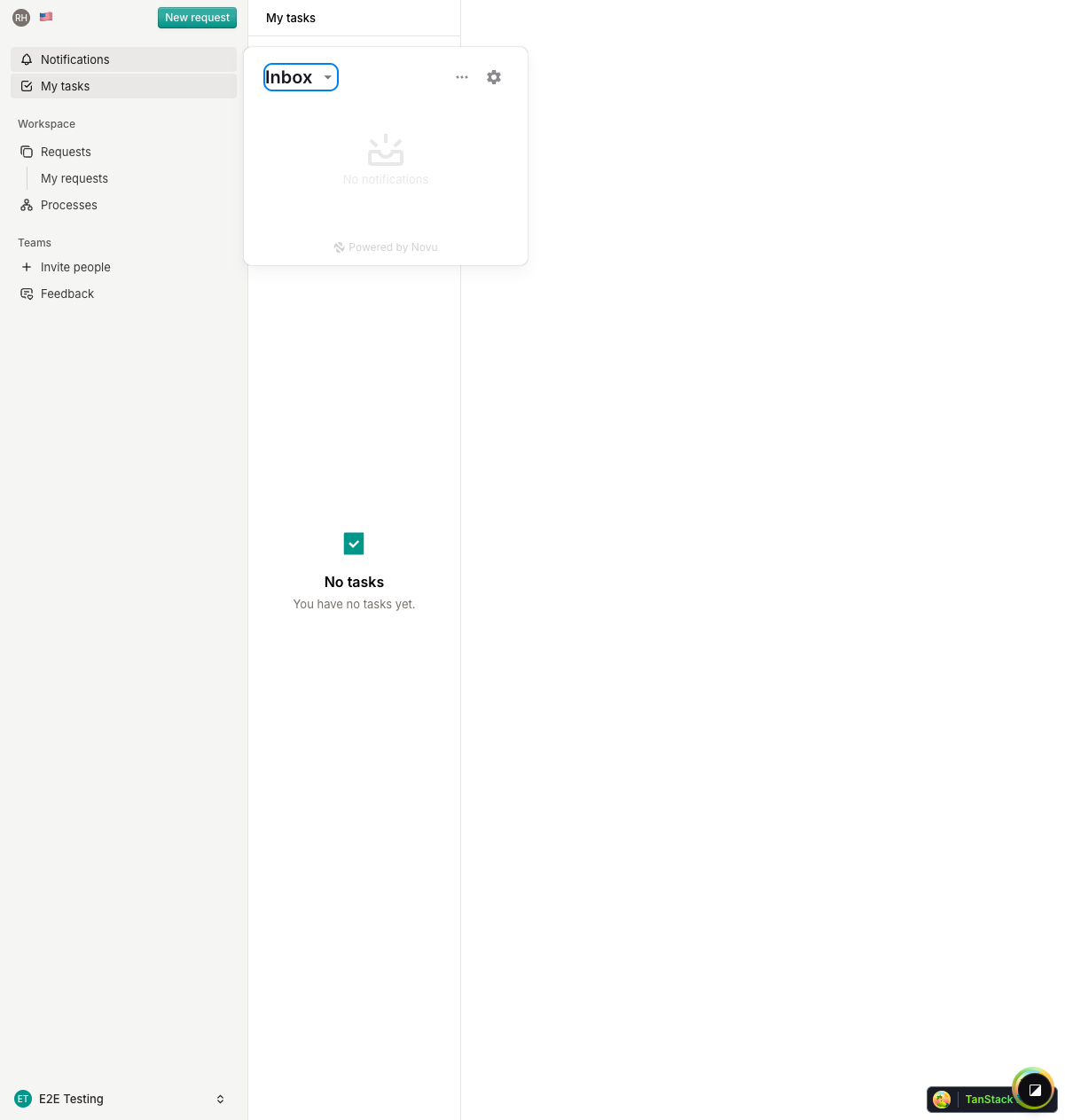
The notification inbox shows your recent notifications, including:
- New task assignments — When a task is assigned to you
- Request updates — When a request you created progresses
- Step completions — When steps in your requests are completed
- Mentions — When you're mentioned in a request
Notifications are marked as read when you open the inbox. Click any notification to navigate directly to the related request or task.
What's Next?
Continue to Account Settings to learn about managing your profile and security.