API & Webhooks
Written By Janos Veres
Last updated 6 months ago
API & Webhooks
Integrate Lumen with external systems using the REST API and webhook notifications.
API Keys
Navigate to Settings > API to manage API keys.
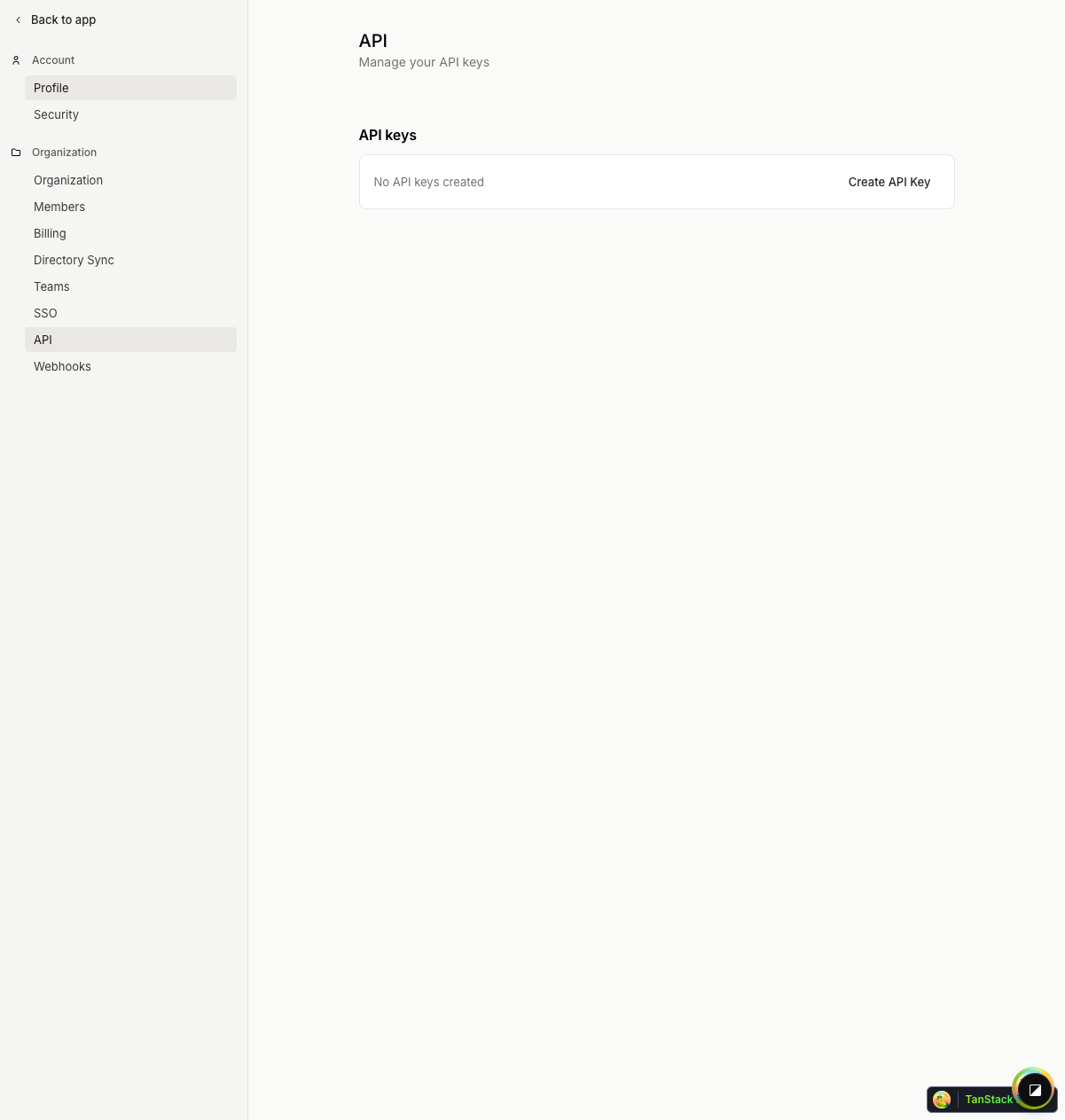
API keys provide programmatic access to Lumen's REST API. Each key shows:
- Key name
- Creation date
- Last used date
Click Create API Key to generate a new key. The key will be copied to your clipboard — store it securely as it cannot be viewed again.
To revoke a key, click the menu icon and select Revoke API Key.
Webhooks
Navigate to Settings > Webhooks to configure event notifications.

Webhooks send HTTP POST requests to your endpoint when events occur in Lumen. Configure webhook endpoints to:
- Receive notifications when requests are created or completed
- Trigger external workflows based on step completions
- Sync data with other systems
What's Next?
Continue to Audit Log to learn about activity tracking.