Request Management
Written By Janos Veres
Last updated 6 months ago
Request Management
As a process owner or admin, you have access to all requests in your workspace — not just your own.
All Requests View
Navigate to Requests in the sidebar to see every request across all processes.
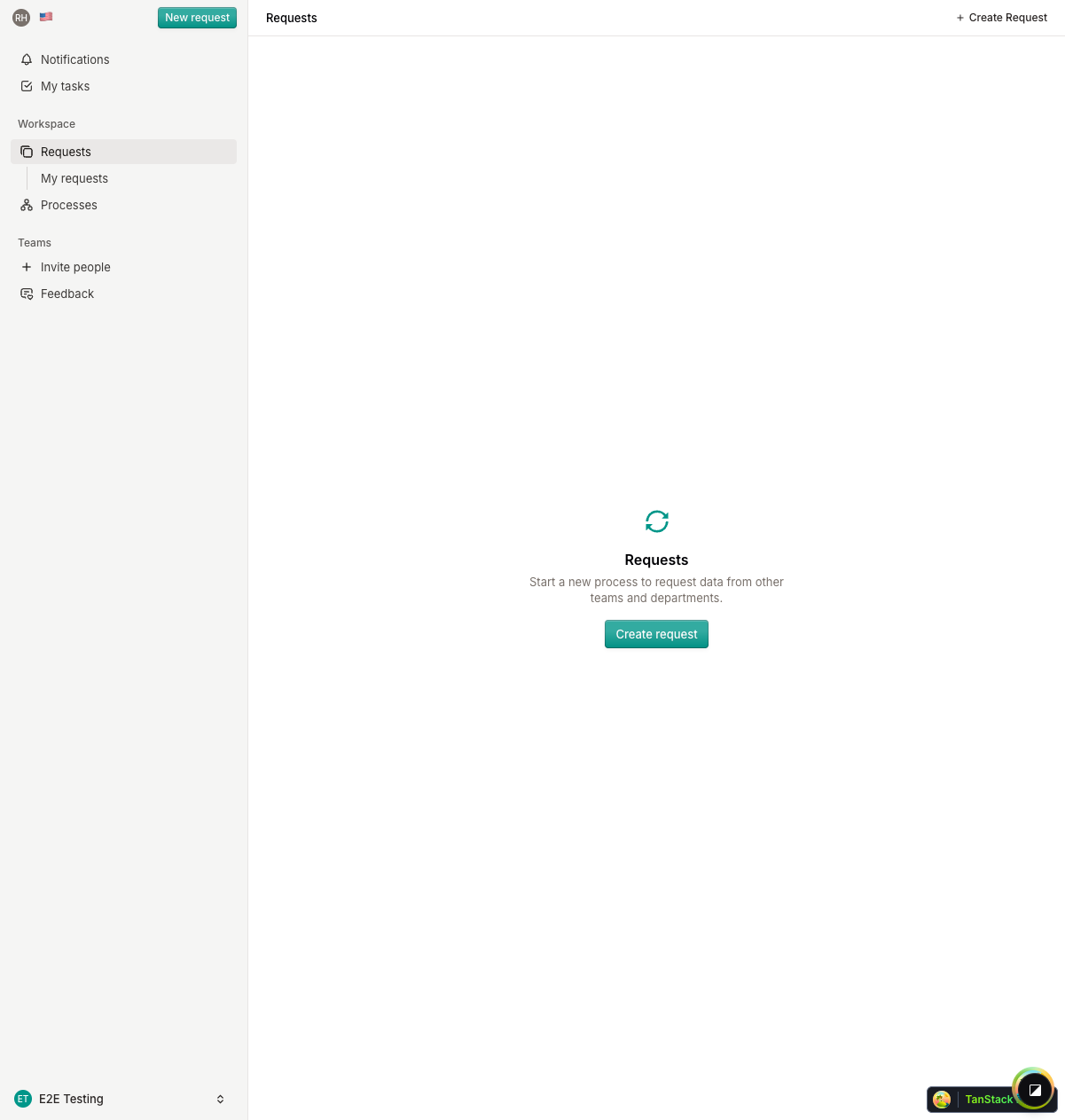
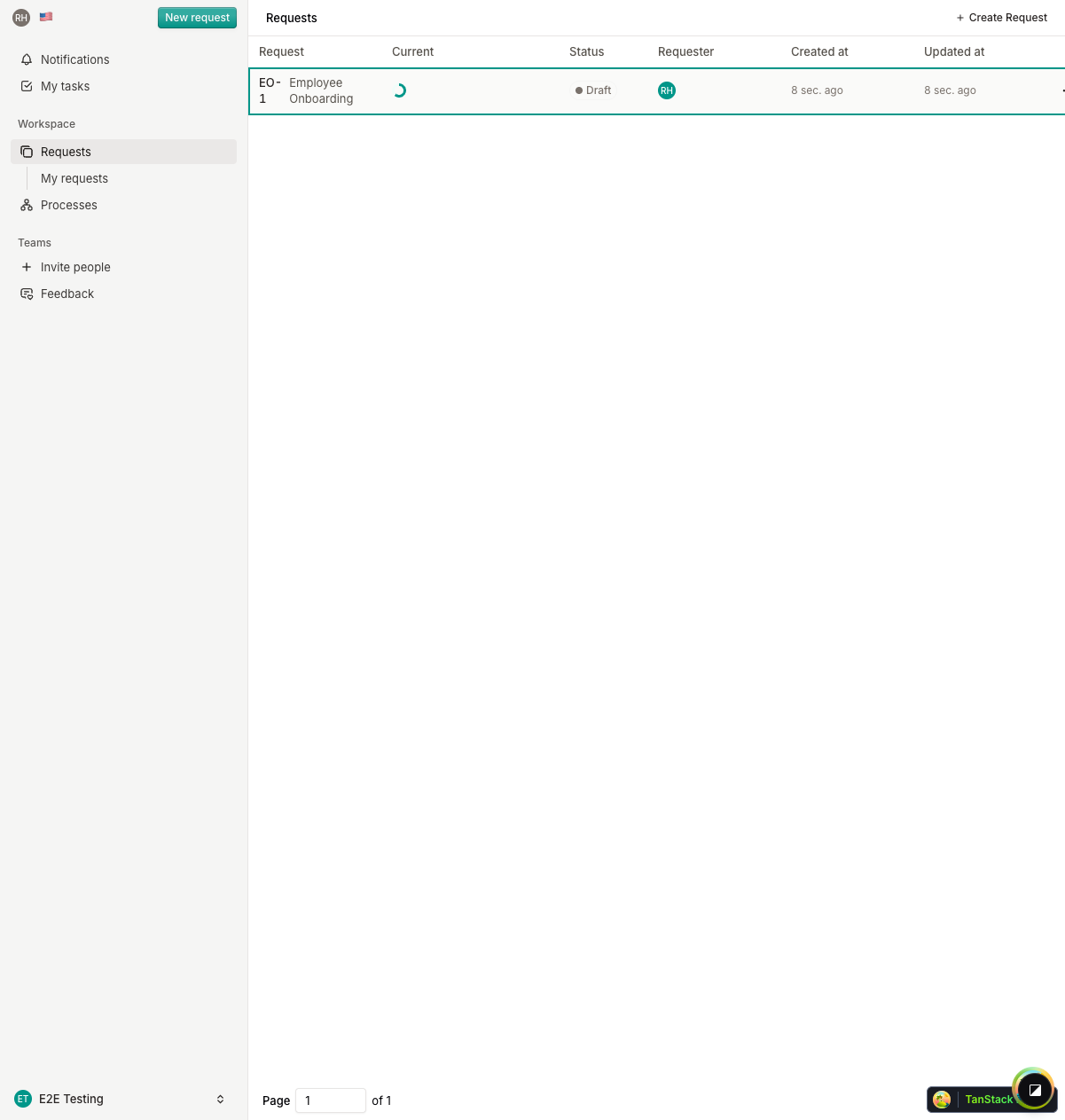
The data grid shows:
- Request name — Auto-generated display name (e.g., "HR-ONBOARDING-1")
- Process — Which process template the request uses
- Current step — Progress indicator showing the active step
- Status — Current request status
- Requester — Who created the request (with avatar)
- Created / Updated — Timestamps
Request Actions
From the requests list, you can:
- Delete — Remove a request (with confirmation)
- Forward — Forward the current step to another team member
- View details — Open the full request view
Admin Request View
As an admin, you see the full request detail including:
- Visual timeline of all steps
- Current step form and assignees
- Request sidebar with metadata (requestor, status, created date)
- Notes and todos for the active step
- Ability to start, pause, or advance the request
What's Next?
Continue to Organization Settings to learn about managing your organization.