Following a Request
Written By Janos Veres
Last updated 6 months ago
Following a Request
Once a request is created, you can track its progress through the visual timeline and detail views.
Request Timeline
The request detail page shows a visual timeline of all steps in the process.
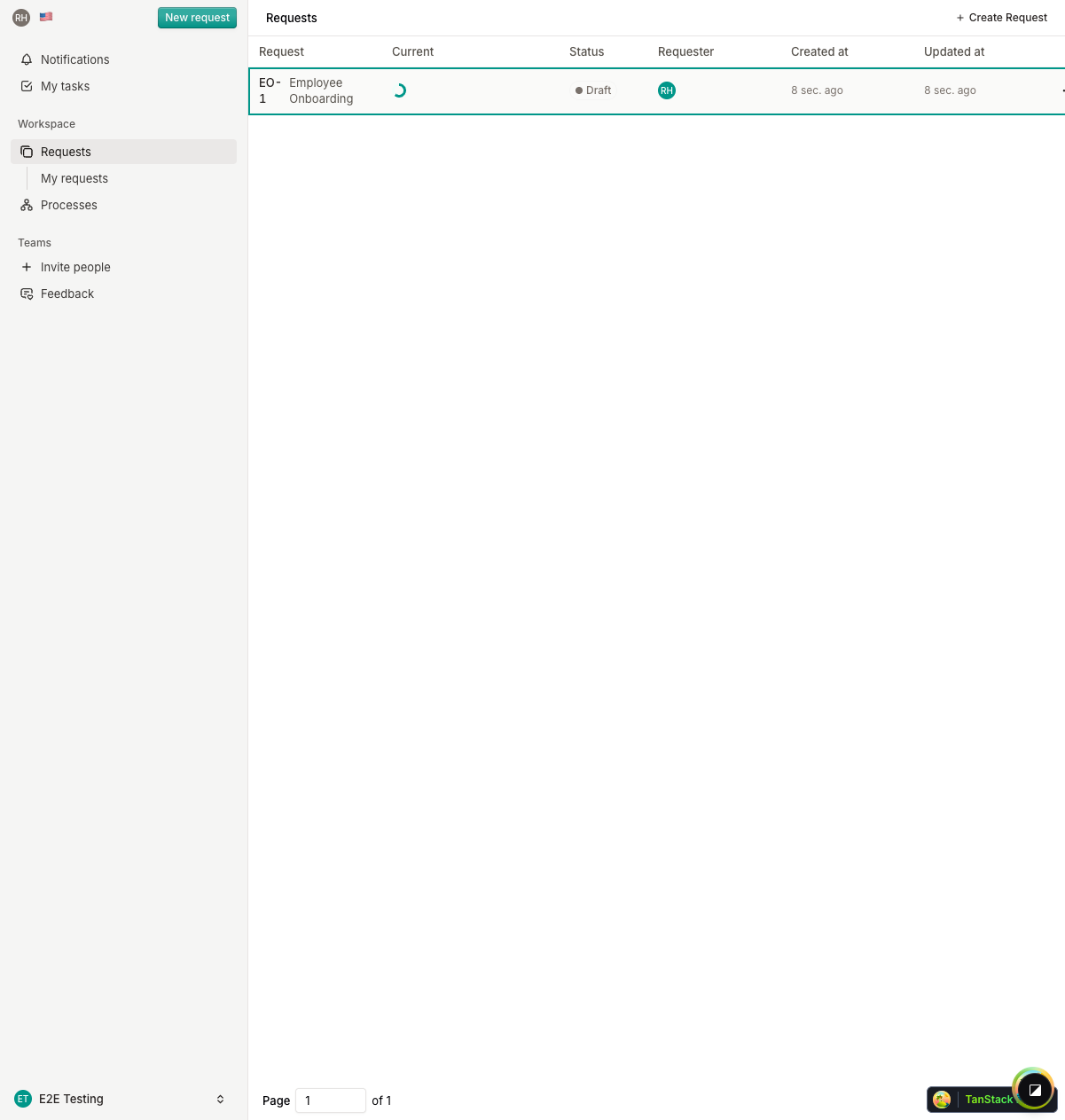
Each step in the timeline is color-coded:
- Active — Currently being worked on
- Completed — Successfully finished
- Pending — Waiting to be reached
- Error — An issue occurred
Request Detail View
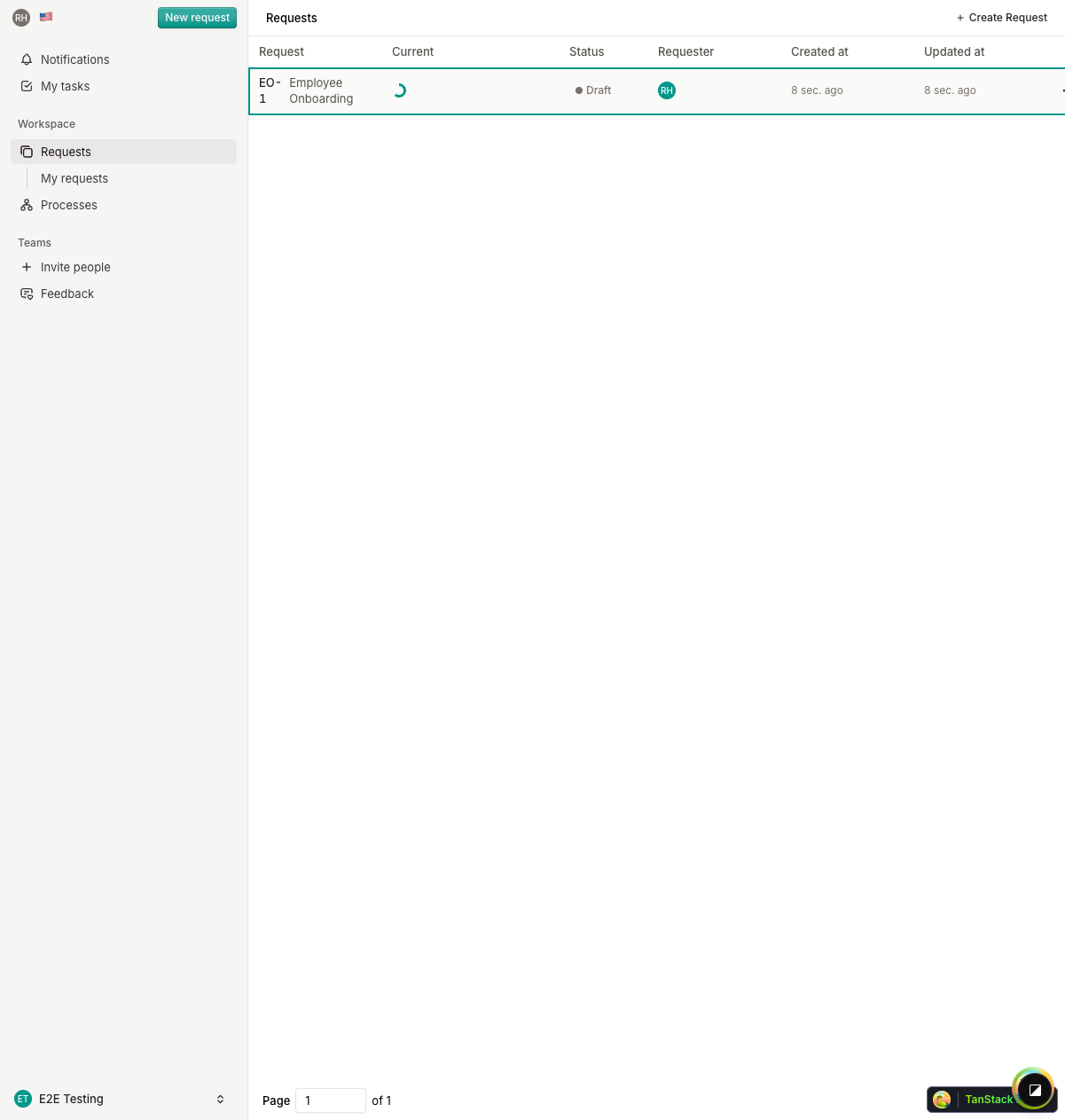
The detail view shows:
- Current step content — The form or information for the active step
- Step instructions — Description and context provided by the process owner
- Assignee information — Who is responsible for completing the step
Step Progress
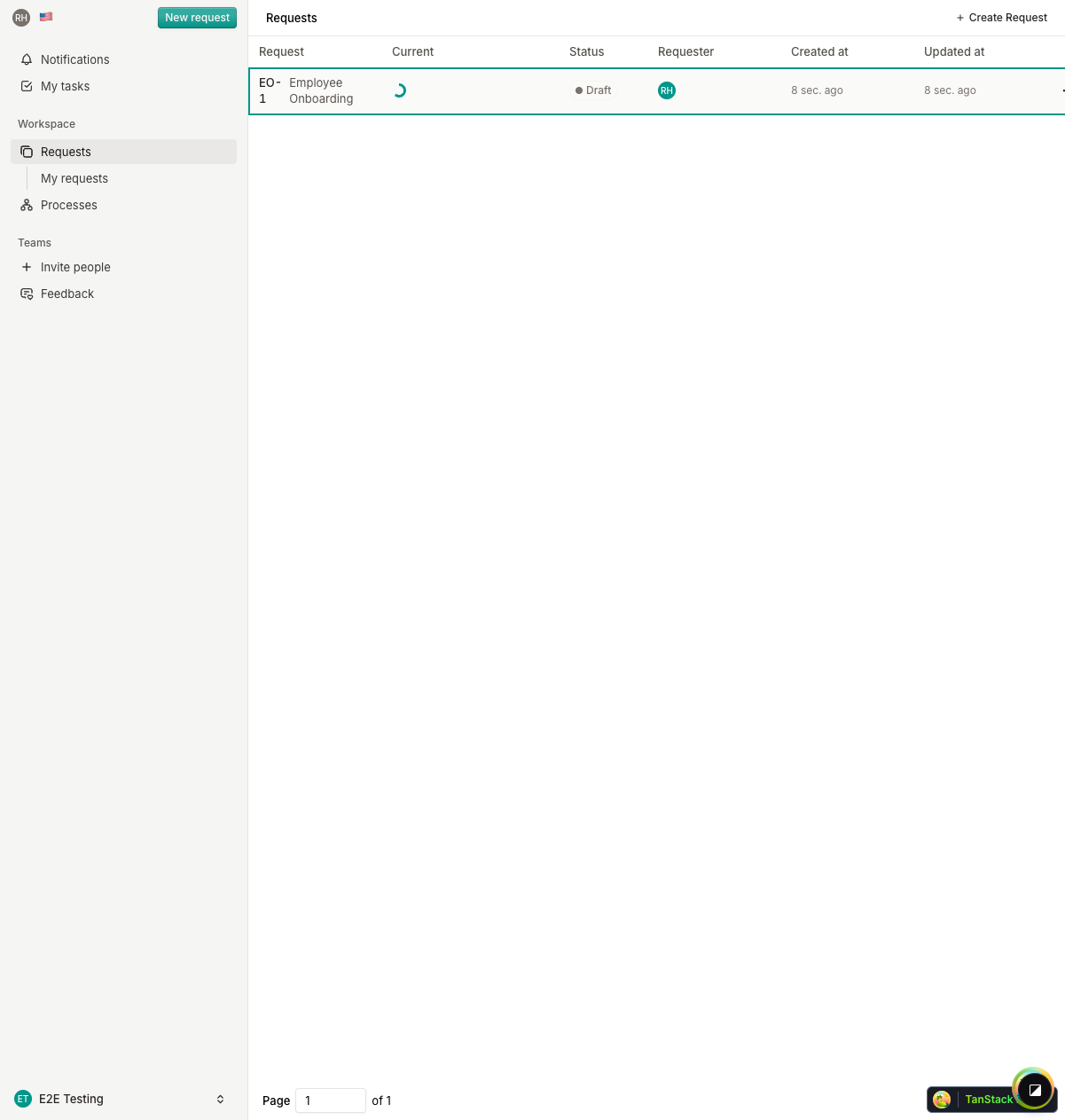
As each step completes, the timeline updates to show the new active step. You can click on any step in the timeline to view its details and completion status.
What's Next?
Continue to Forwarding & Requesting Information to learn how to collaborate on requests.