Creating a New Request
Written By Janos Veres
Last updated 6 months ago
Creating a New Request
Requests are how you initiate a workflow in Lumen. Each request is an instance of a process template defined by your organization.
Starting a New Request
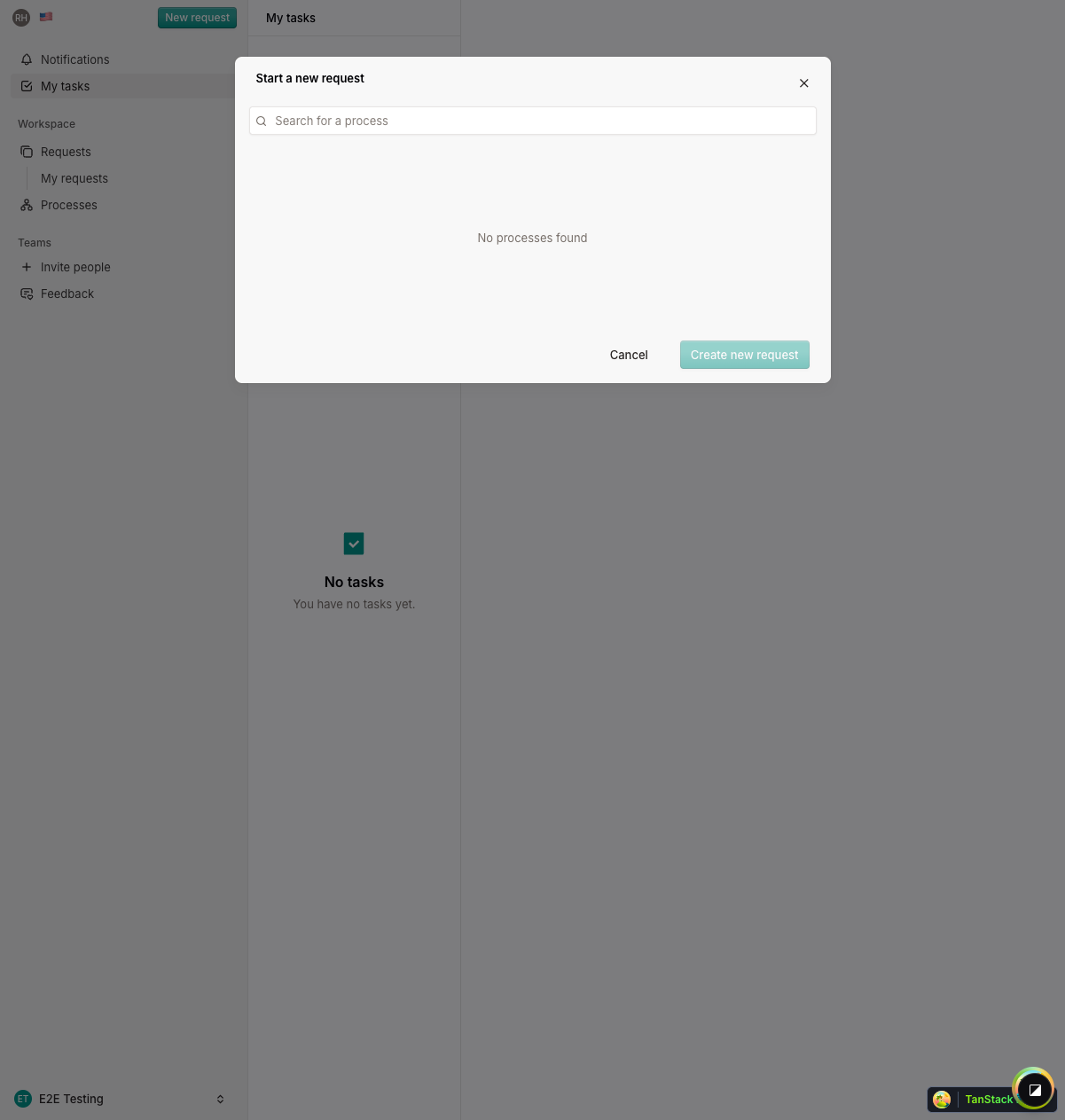
You can create a new request from anywhere in Lumen using the New Request button in the sidebar.
Selecting a Process
When you click New Request, a dialog appears showing all available processes.
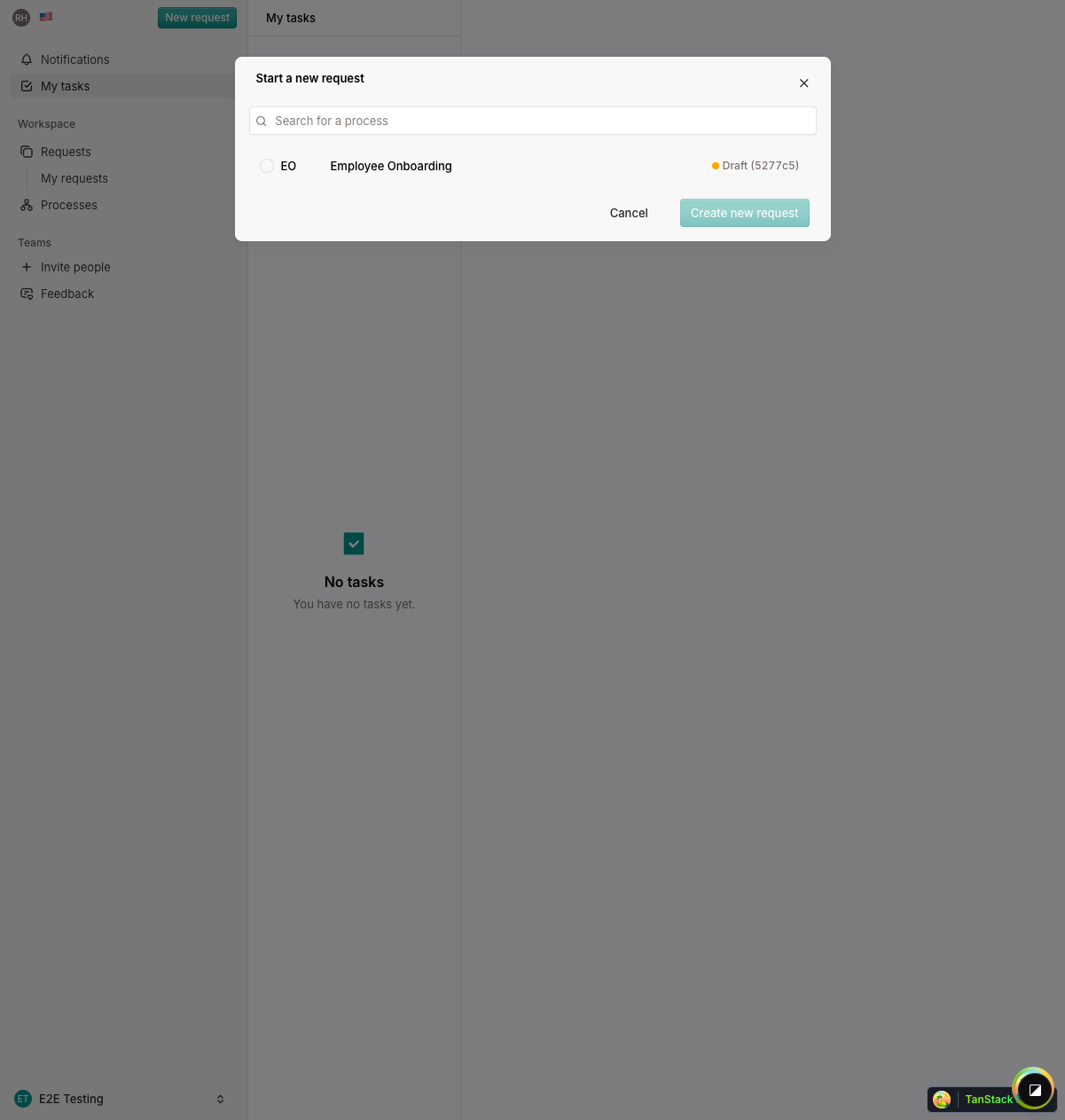
Select the process you want to start. Each process defines a specific workflow with its own steps, forms, and assignees.
After Creation
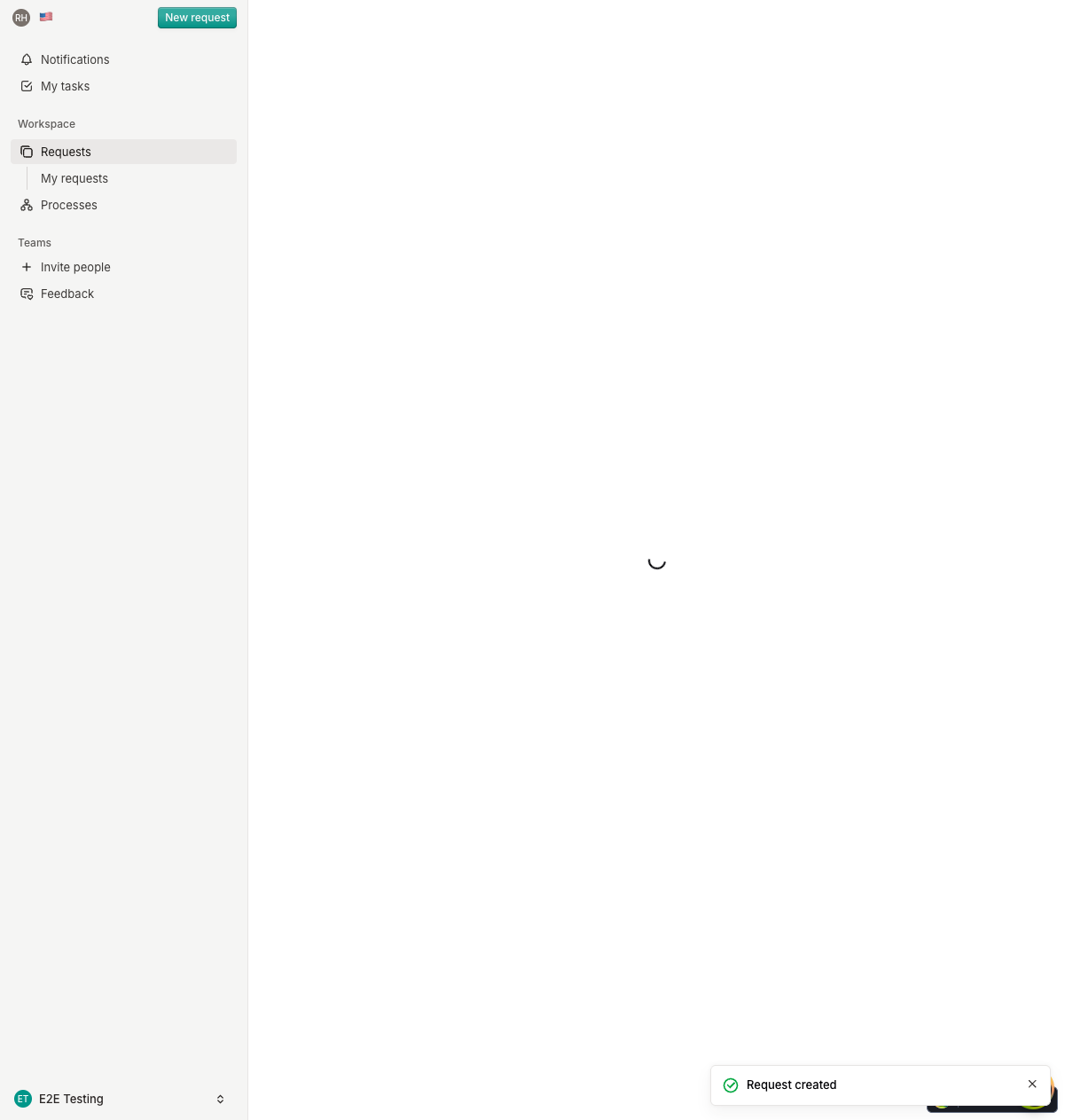
Once created, your request starts in draft status. Depending on the process configuration, it may:
- Start automatically and assign the first step to an assignee
- Wait for an administrator to begin processing
You'll receive notifications as your request progresses through each step.
What's Next?
Continue to Following a Request to learn how to track your request's progress.