Creating a Process
Written By Janos Veres
Last updated 6 months ago
Creating a Process
This guide walks you through creating a new process template in Lumen.
Create Process Dialog
Click Create Process on the Processes page to open the creation dialog.
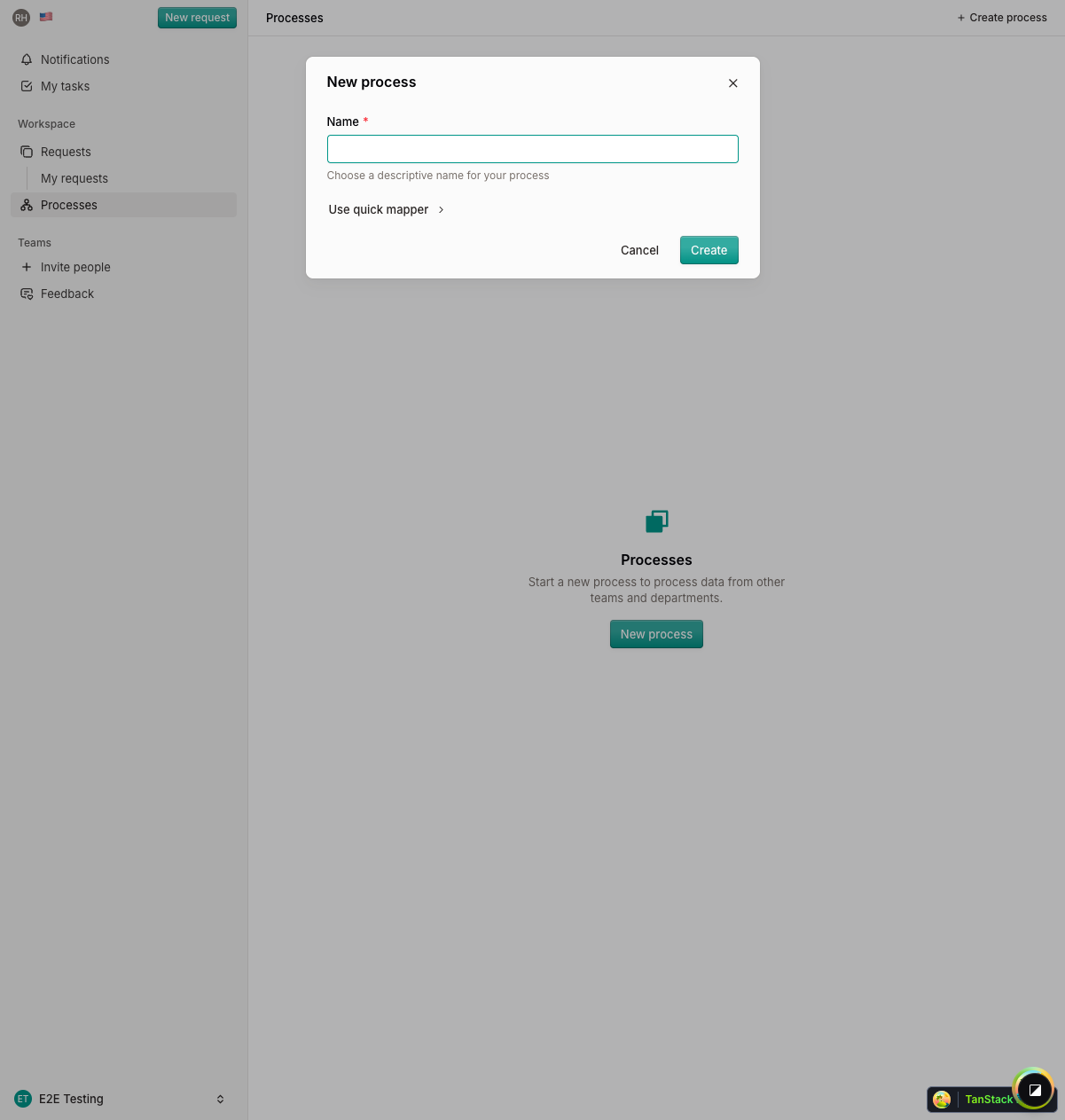
Enter a name for your process. The system will generate a process code automatically.
Quick Mapper (Optional)
For rapid process definition, use the Quick Mapper — a text-based shorthand for defining process structure.
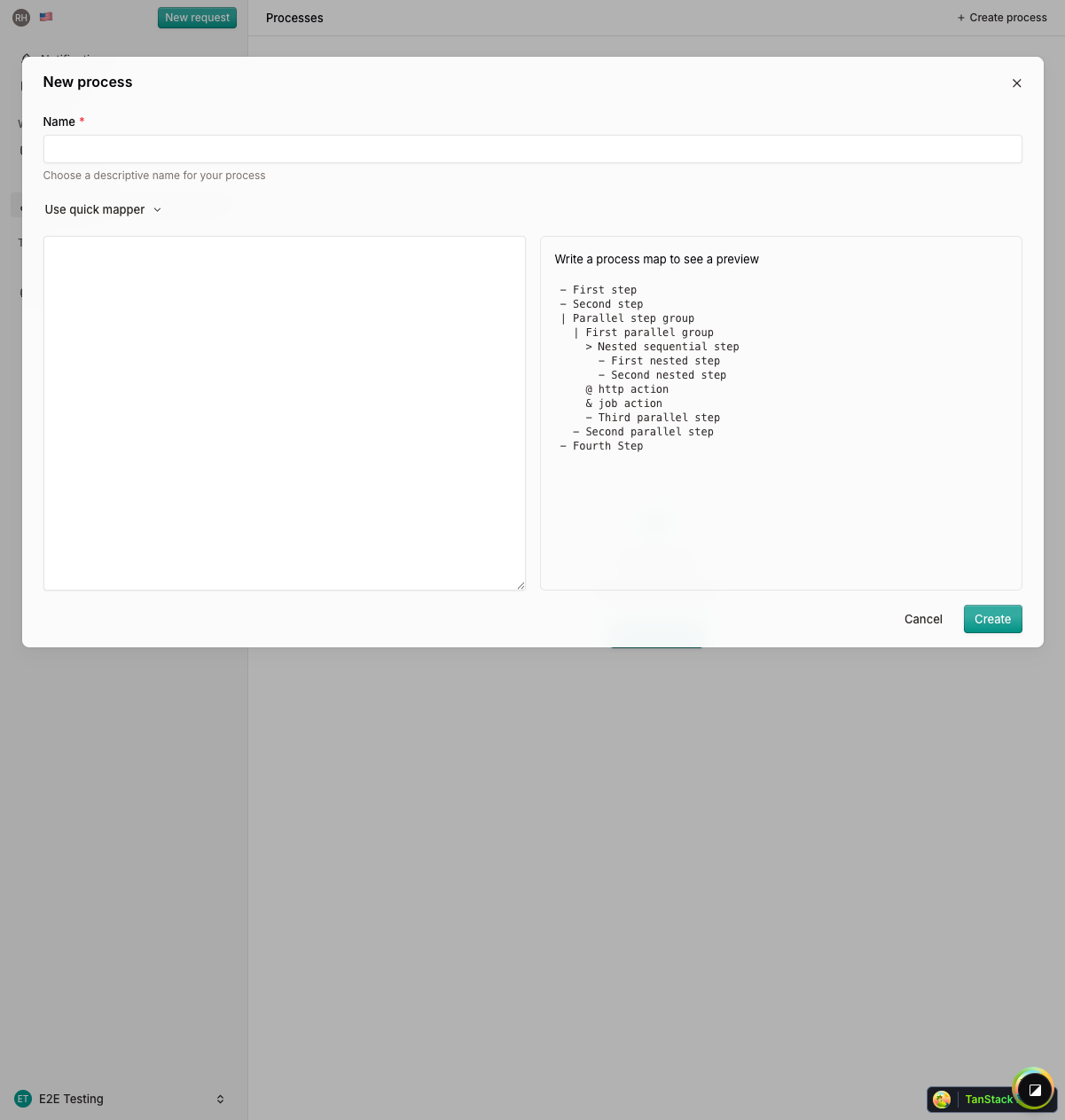
Quick Mapper Syntax
Example
> Employee Onboarding - Submit Application - HR Review | Parallel Approvals - Manager Approval - IT Setup - Orientation @ Send Welcome EmailThis creates a sequential process with two initial steps, followed by a parallel block where manager approval and IT setup happen simultaneously, then an orientation step, and finally an automated welcome email.
After Creation
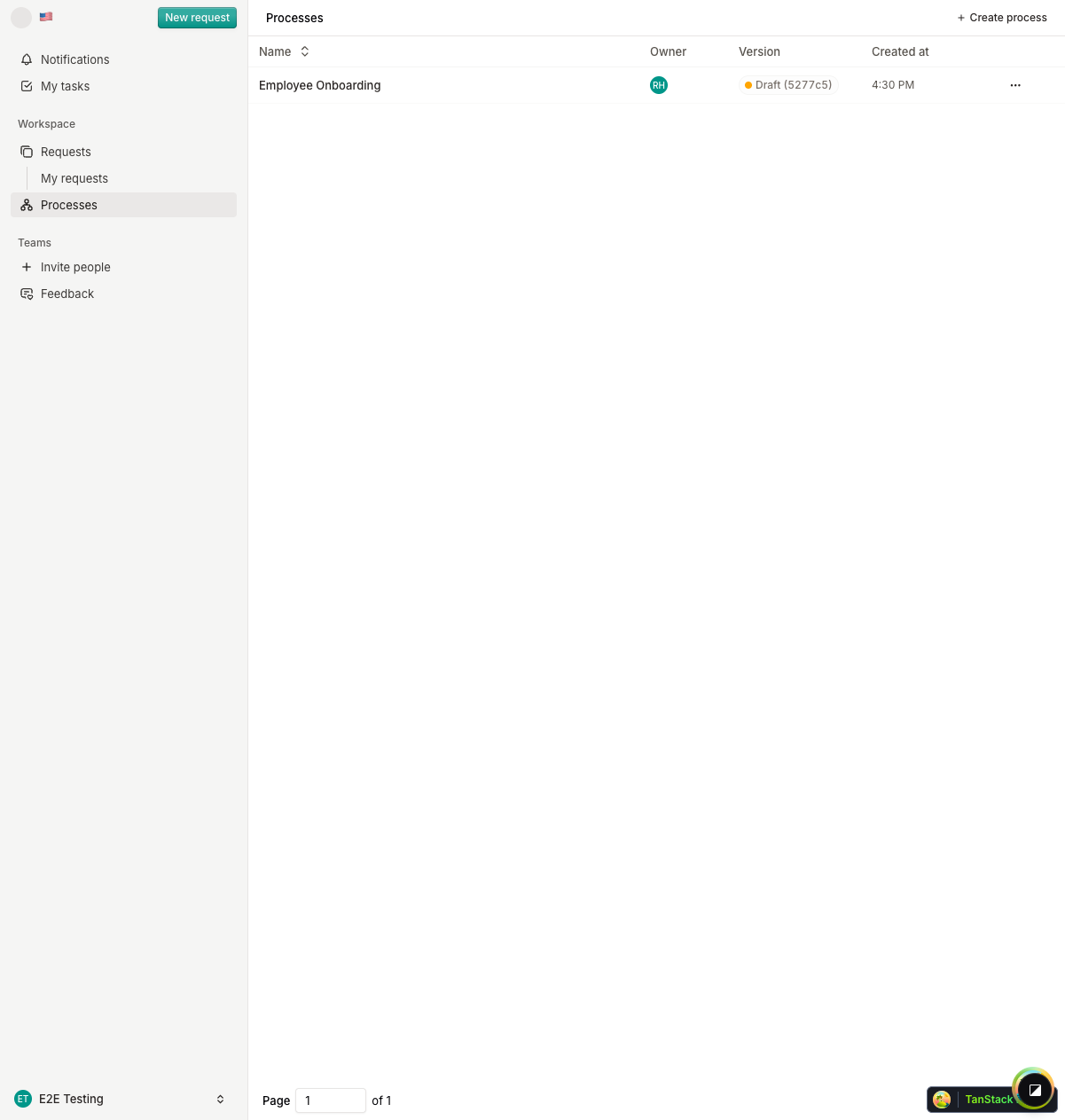
Once created, your process opens in the Process Editor where you can:
- Add and configure steps
- Define form fields for each step
- Set assignee rules
- Publish the process for use
What's Next?
Continue to The Process Editor to learn about the visual process builder.