Configuring Steps
Written By Janos Veres
Last updated 6 months ago
Configuring Steps
Each step in a process can be configured with assignee rules, reminders, and execution targets.
Step Configuration Panel
Click on any step in the editor to open its configuration in the sidebar.
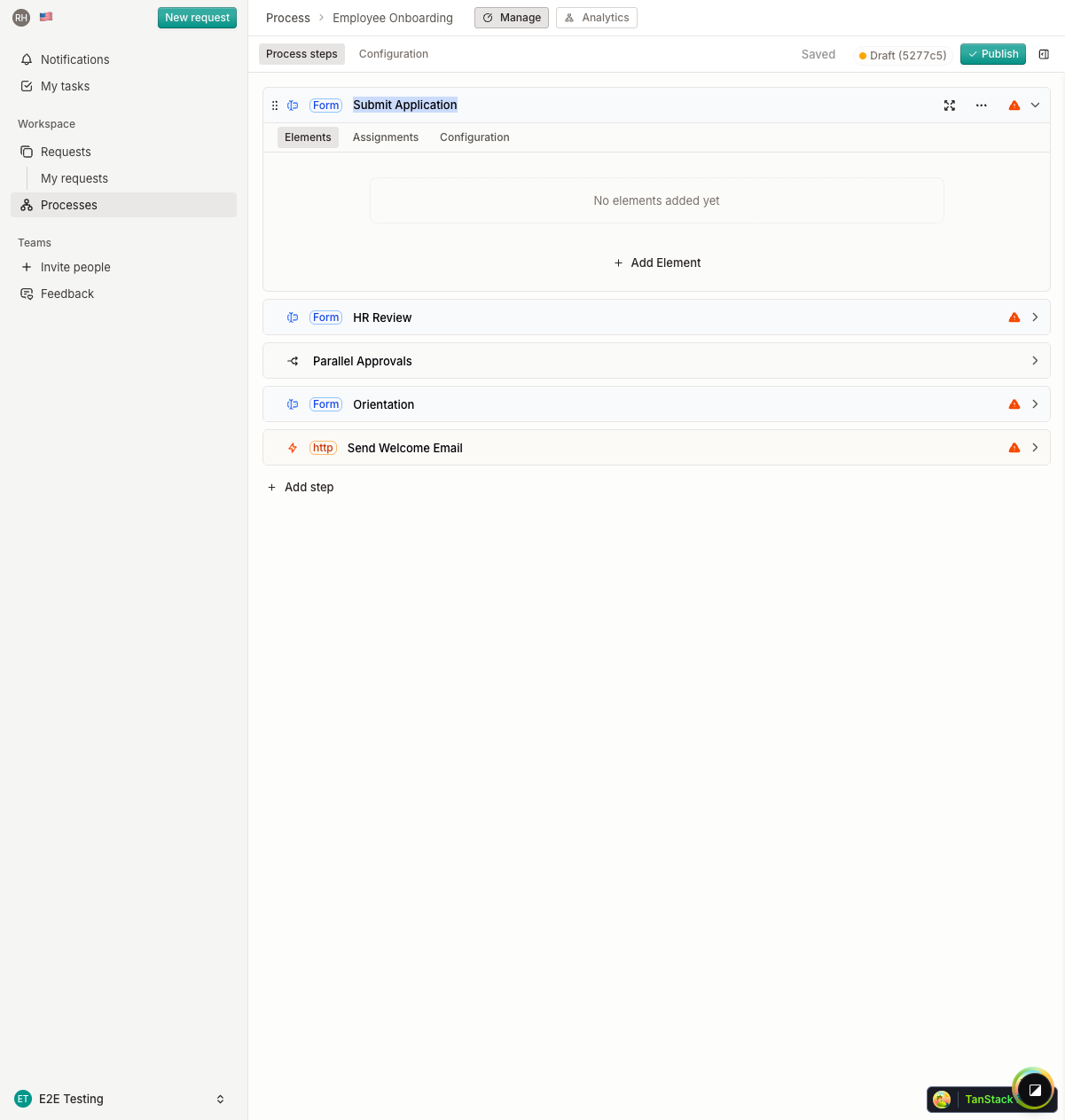
Configuration options include:
- Name — The step title shown to assignees
- Description — Instructions and context (supports Markdown)
Assignee Matrix
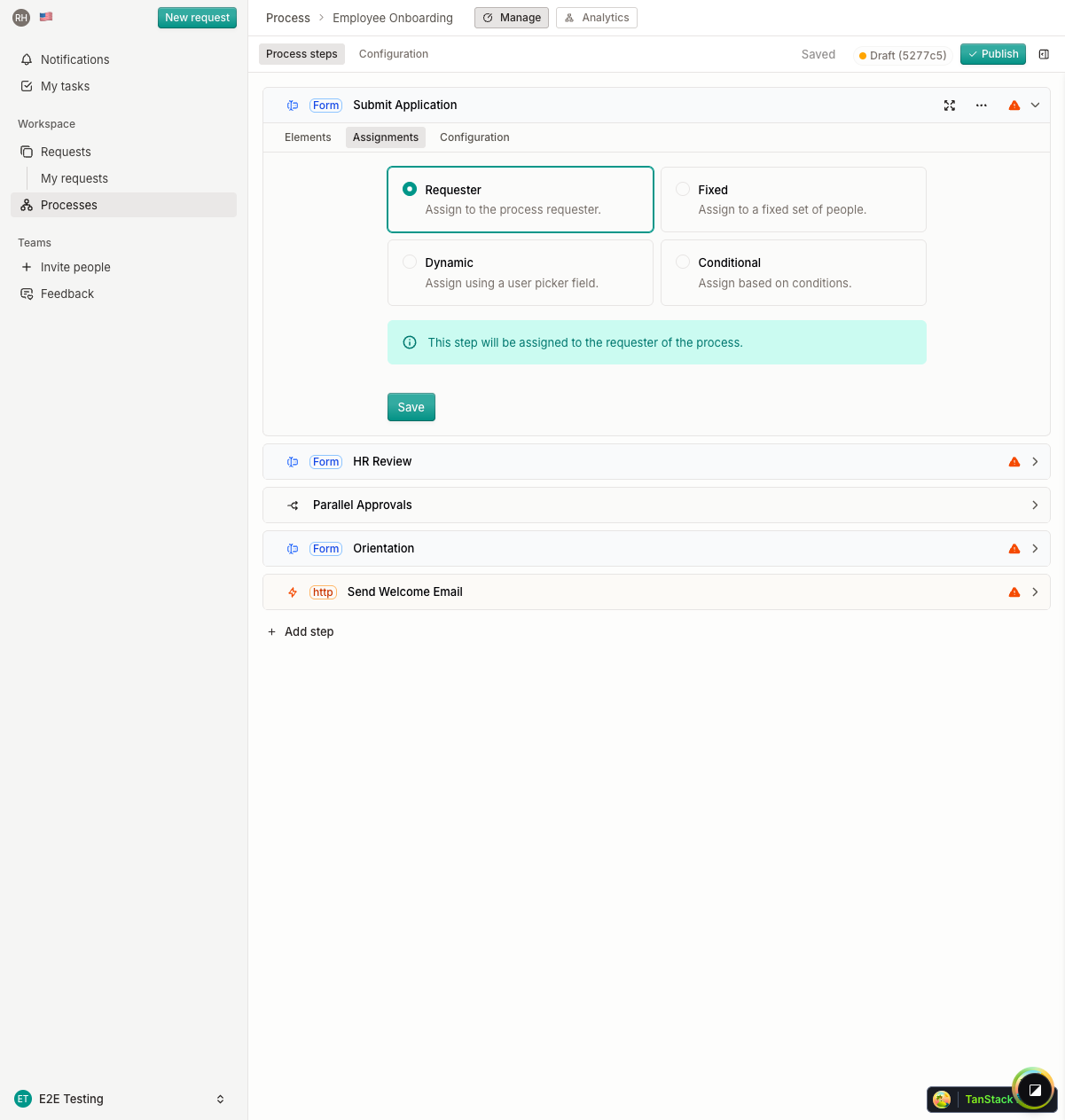
The assignee matrix defines who should complete each step. You can assign steps to specific users, roles, or dynamic rules based on request context.
Step Options
Additional step settings:
What's Next?
Continue to Adding Form Fields to learn about building step forms.