Process Management Overview
Written By Janos Veres
Last updated 6 months ago
Process Management Overview
Processes are the templates that define your organization's workflows. As a process owner, you create and manage these templates that users execute as requests.
What is a Process?
A process defines a sequence of steps, each with its own form fields, assignees, and business logic. When a user creates a request from a process, they start a new instance of that workflow.
Key concepts:
- Process — The reusable template (e.g., "Employee Onboarding")
- Request — A single execution of a process (e.g., "Onboarding for Jane Doe")
- Step — An individual unit of work within a process
- Task — A step assigned to a specific user to complete
Process List
Navigate to Processes in the sidebar to see all processes in your workspace.
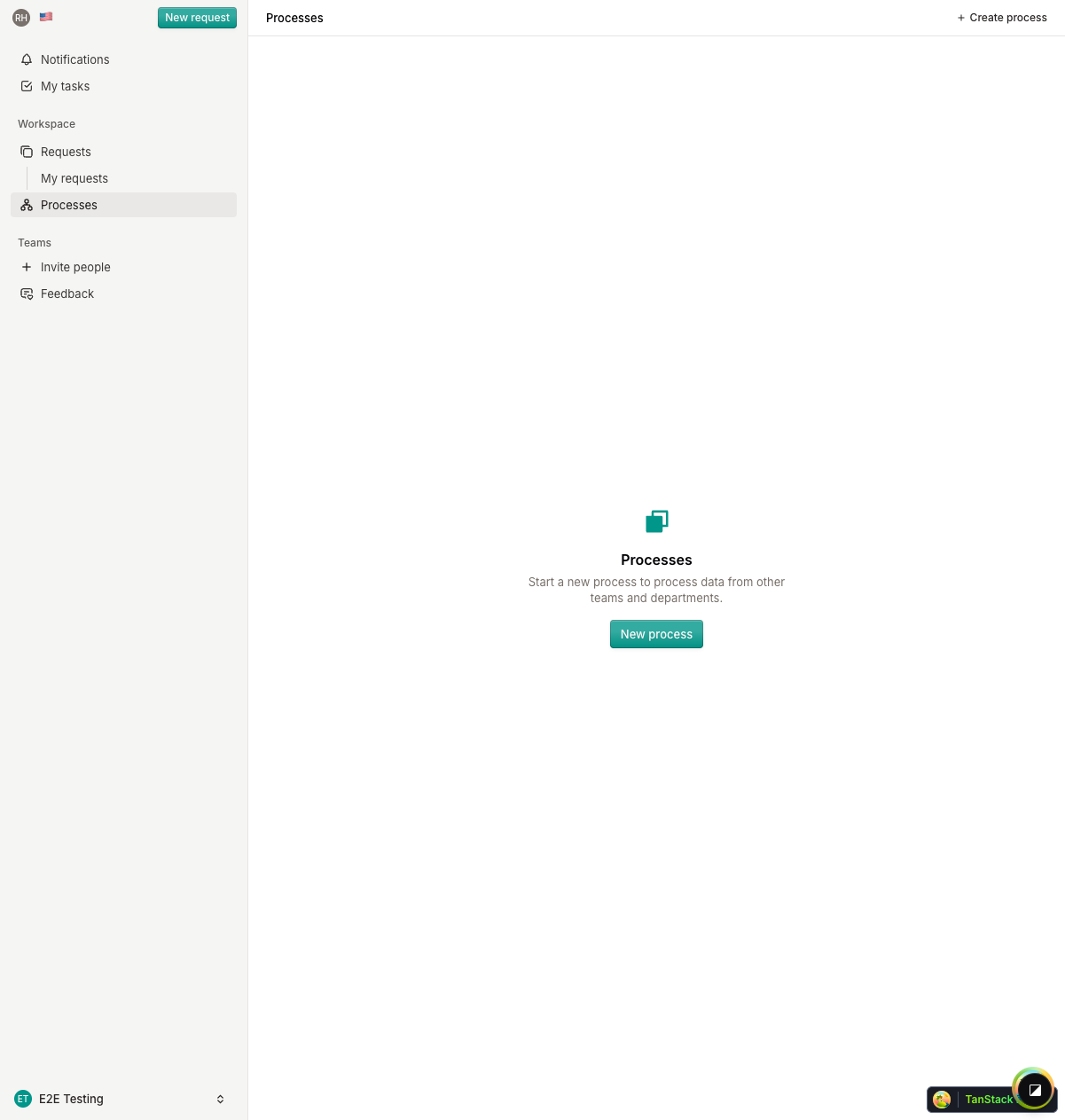
The process list shows:
- Process name and code
- Current version
- Status indicators
- Last modified date
Filtering Processes
Use the status filters to find specific processes. You can filter by published status and search by name.
What's Next?
Continue to Creating a Process to learn how to build your first workflow.