Single Sign-On (SSO)
Written By Janos Veres
Last updated 6 months ago
Single Sign-On (SSO)
Enable Single Sign-On to allow your team to authenticate through your organization's identity provider.
SSO Configuration
Navigate to Settings > SSO to set up single sign-on.
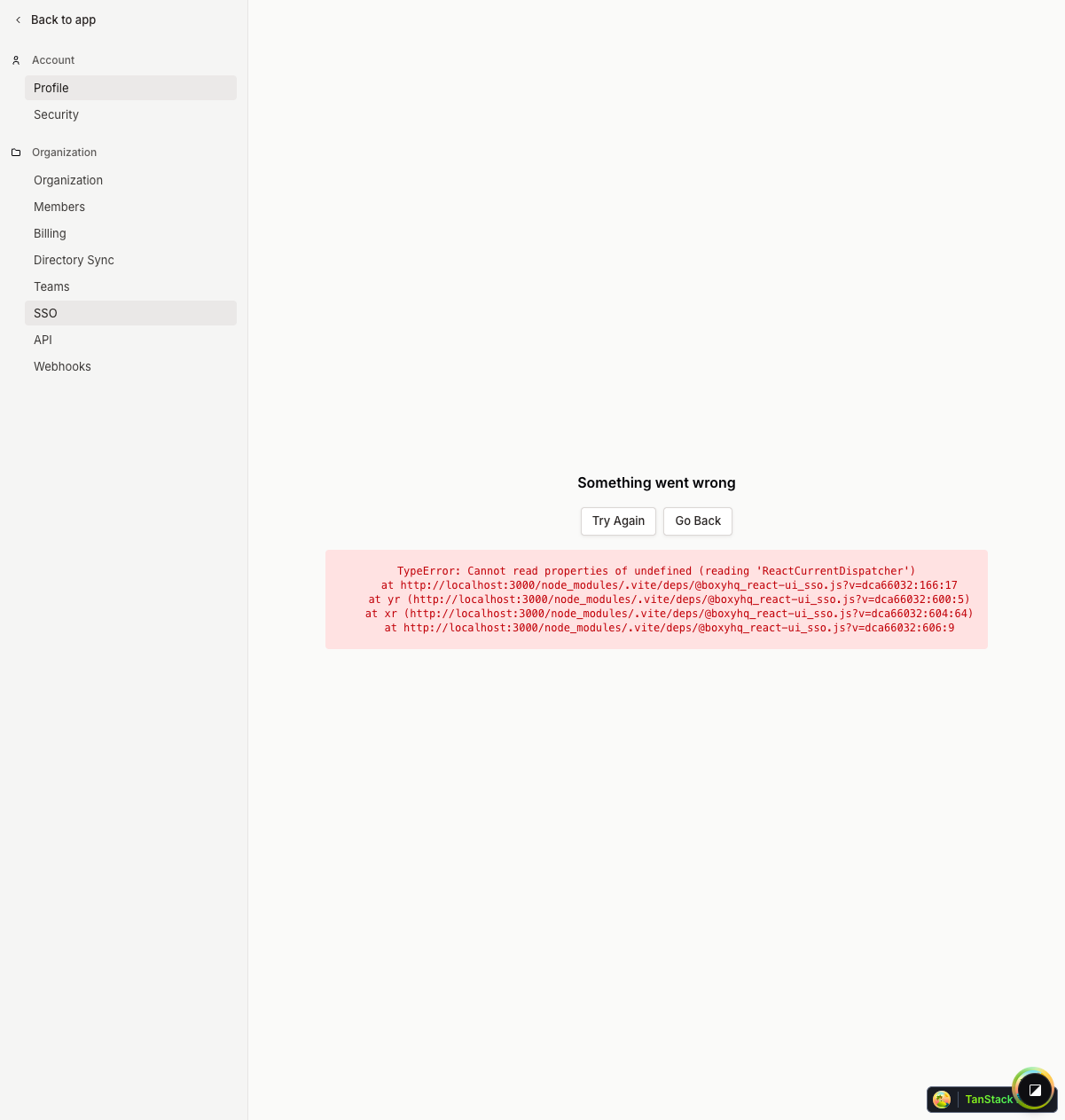
Lumen supports:
- SAML 2.0 — Configure with your SAML identity provider
- OIDC — OpenID Connect integration
Contact your IT administrator to obtain the necessary configuration values (Entity ID, SSO URL, Certificate, etc.).
What's Next?
Continue to Directory Sync (SCIM) to learn about automated user provisioning.