Managing My Requests
Written By Janos Veres
Last updated 6 months ago
Managing My Requests
The My Requests page shows all requests that you have created. Use it to track the progress of your submitted work.
Viewing Your Requests
Navigate to My Requests in the sidebar to see all requests you've initiated.
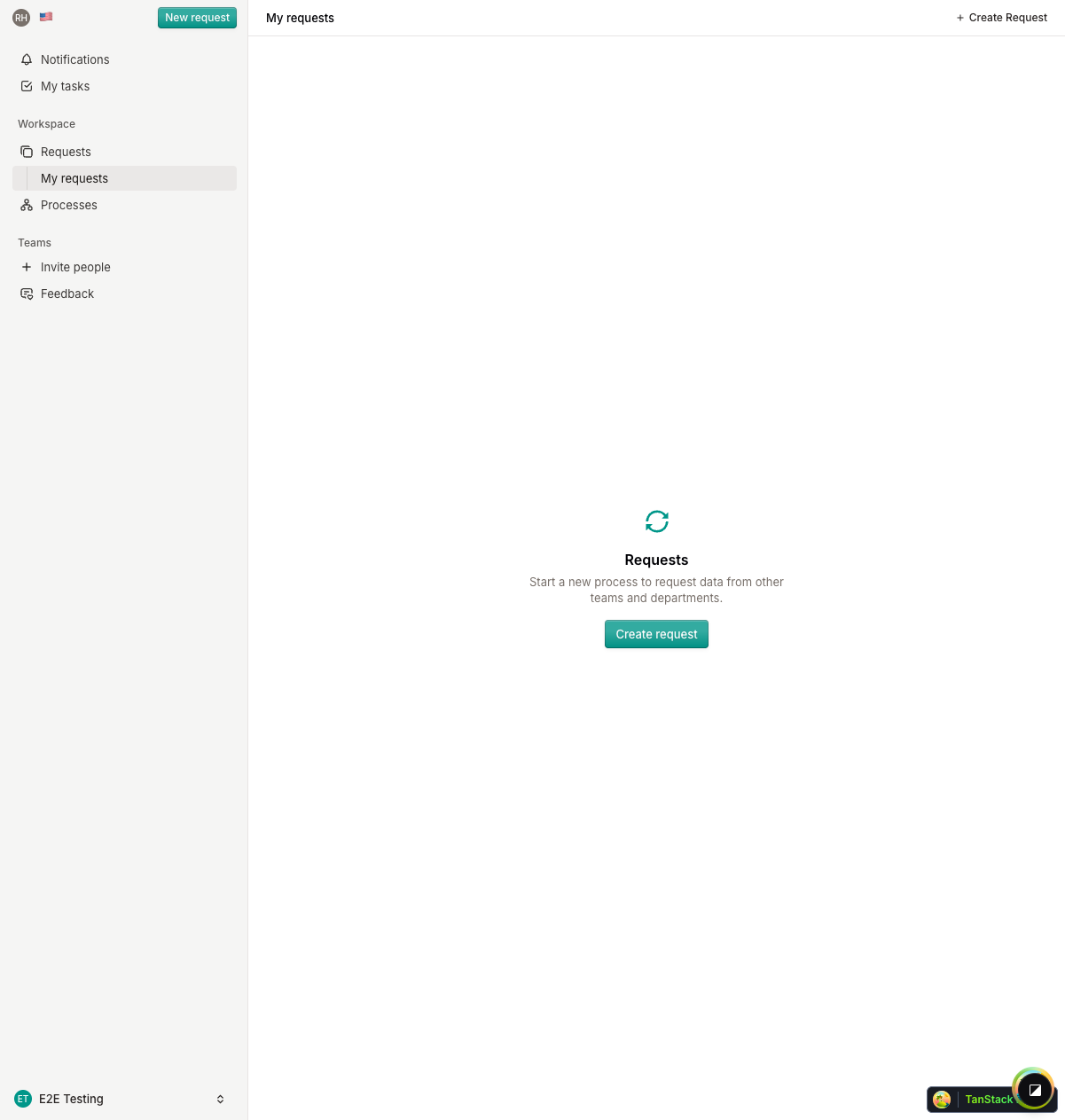
Each request displays:
- Request name — The auto-generated name (e.g., "HR-ONBOARDING-1")
- Current step — Which step the request is currently on
- Status — Draft, running, completed, or cancelled
- Created date — When you submitted the request
Request Status
Requests move through several statuses during their lifecycle:
Filtering and Sorting
Use the available filters to find specific requests by status, date, or search term. You can also sort by creation date or last update.
What's Next?
Continue to Creating a New Request to learn how to start a new workflow.